Keep each plant’s history
Add photos and notes, record watering or pruning, and look back at what changed. Keep common and scientific names together.
A field journal for your garden
What did you plant? When did it bloom? What changed after you watered? Keep your plants’ photos, observations and care history together, so you can pick up the story whenever you return.
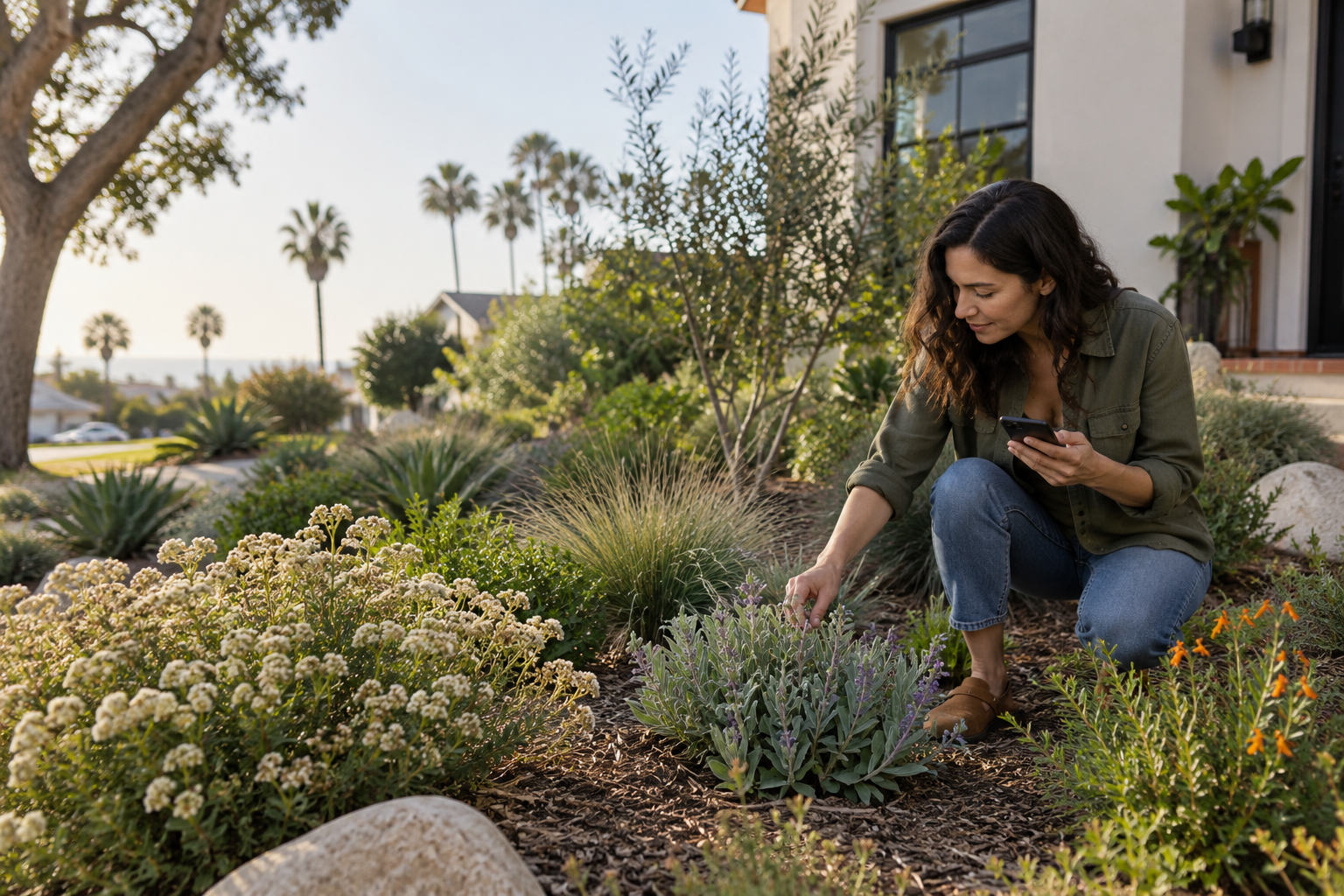 A garden journal built around your plants.
Start with a plant.
Build its story.
Plant names and planting dates. A new flower, a pruning, a plant that needs another look. Garden Ally keeps those moments with the plant, alongside its photos and growing conditions.
Start with what you know today. Your garden’s history grows as you go.
From planting to follow-through
Add photos and notes, record watering or pruning, and look back at what changed. Keep common and scientific names together.
Organize plants into zones. Add a photo of a garden bed or planter and place plant markers so you can find each plant at a glance.
Add a one-time task for a plant, give it a due date, and check it off in your To Do list when it’s done.
Bring new plants into your journal
Photograph a plant tag or nursery receipt, or forward a receipt email. Review the suggested plant details, then place your new plants in the right zone when you’re ready.
Scans use OpenAI with your permission. Remove personal details you don’t want processed.
An example from a garden journal
Achillea millefolium
Front garden · Planted March 16
A few flower heads opening. Added a photo to compare later.
Recorded today’s watering with the plant.
Check the new growth and take another photo.
The Community Gallery
Browse plant photos shared by fellow gardeners. Filter around a Zip code to explore photos from gardens closer to home.
Share only if you choose. Photos are reviewed before appearing, and you can unshare at any time without deleting your own photo. Private notes, receipt scans and tag scans stay out of the gallery.
See what sharing includesGarden Ally for iPhone
Free to use. Your records stay with your account.
We’re preparing the first public release for iPhone in the United States.
Have a question? Contact MarcusA few practical details
Yes. The initial Garden Ally release is free, with 20 successful tag or receipt-photo scans per account each month and a separate allowance of five successfully processed forwarded receipt emails. Allowances reset monthly. If you need more photo scans, you can request them by email from the app.
Garden Ally is coming to the US App Store for iPhone. Public download is not available yet. You will be able to create an account with your email address when the app launches.
You can keep records for native plants and other plants in your garden. Garden Ally grew out of a love of California native gardening, but your journal can include your whole garden.
Your photos stay private unless you choose to share them. The Community Gallery requires sign-in. Submitted photos are reviewed before appearing, and you can unshare a photo without deleting your private copy. Receipt and plant-tag scans are excluded.
Only the photo, common and scientific plant names, date planted, photo date, Zip code and your chosen user name. Private notes and captions are not included. Distance filters use approximate Zip-code locations.
With your permission, OpenAI reads a selected plant-tag or receipt image to suggest plant details for you to review. Forwarded receipt emails also use OpenAI for extraction. Garden Ally does not provide automatic plant diagnosis or personalized care advice in this release.
You can give a one-time task a due date and see it in the app. This release does not send reminder notifications.
Yes. Export a ZIP containing plant records, history and photo files, or make a plant report to keep or share as ordinary PDF or text. You can also permanently delete your account from Settings after confirmation.
Support
For help with your account, garden records, photo sharing or scans, contact Marcus Rosenthal at marcusinnovate@gmail.com.
To report a gallery photo, use its report option in the app. You can also block a contributor or email us about a concern.
Read our privacy policy